Mit eigenen SAP Fiori-Apps
Daten auswerten


Saskia Fontanive
Chief Operating Officer (COO)
<style>
/* Webflow Blog Styles */
:root {
--content-max-width: 1500px;
--bg-color: #ffffff;
--font-sans: Inter, sans-serif;
--font-display: 'Mona Sans', sans-serif;
--font-sans-stretch: normal;
--font-display-stretch: normal;
}
.blog-content {
font-family: var(--font-sans);
font-stretch: var(--font-sans-stretch);
color: #000000;
line-height: 1.2;
}
figcaption, .video-caption {
font-family: 'Mona Sans', sans-serif;
font-stretch: normal;
font-size: 0.875rem;
font-weight: 500;
font-style: normal;
color: #000000;
line-height: 1.5;
letter-spacing: 0;
margin: 0.5rem 0 0 0;
text-align: center;
}
/* Image Widths and Galleries */
.offset-block {
padding-left: 50px;
}
.blog-content h1, .blog-content h2, .blog-content h3, .blog-content h4, .blog-content h5, .blog-content h6 {
font-family: var(--font-display);
font-stretch: var(--font-display-stretch);
}
.blog-content p a, .blog-content li a, .blog-content .text-link {
color: #f0567f;
text-decoration: underline;
font-weight: 500;
transition: color 0.2s ease;
}
.blog-content p a:hover, .blog-content li a:hover, .blog-content .text-link:hover {
color: #f0567f;
}
.blog-content h1 {
font-family: 'Mona Sans Expanded', sans-serif;
font-stretch: 125%;
font-size: 48px;
line-height: 1.2;
margin: 0 0 1rem 0;
color: #000000;
font-weight: 700;
letter-spacing: 0;
}
.blog-content h2 {
font-family: 'Mona Sans Expanded', sans-serif;
font-stretch: 125%;
font-size: 36px;
line-height: 1.2;
margin: 0 0 0.75rem 0;
color: #000000;
font-weight: 500;
letter-spacing: 0;
}
.blog-content h3 {
font-family: 'Mona Sans', sans-serif;
font-stretch: normal;
font-size: 26px;
line-height: 1.2;
margin: 0 0 0.5rem 0;
color: #000000;
font-weight: 700;
letter-spacing: 0;
}
.blog-content h4 {
font-family: 'Mona Sans', sans-serif;
font-stretch: normal;
font-size: 23px;
line-height: 1.1;
margin: 0 0 0.75rem 0;
color: #000000;
font-weight: 700;
letter-spacing: 0;
}
.blog-content h5 {
font-family: 'Mona Sans', sans-serif;
font-stretch: normal;
font-size: 23px;
line-height: 1.1;
margin: 0 0 0.75rem 0;
color: #000000;
font-weight: 700;
letter-spacing: 0;
}
.blog-content h6 {
font-family: 'Mona Sans', sans-serif;
font-stretch: normal;
font-size: 20px;
line-height: 1.2;
margin: 0 0 0.75rem 0;
color: #000000;
font-weight: 700;
letter-spacing: 0;
}
.blog-content .kpi-text {
font-family: 'Mona Sans', sans-serif;
font-stretch: normal;
font-size: 2.125rem;
line-height: 1.2;
margin: 0 0 1rem 0;
color: #000000;
font-weight: 700;
text-align: center;
}
.blog-content p {
font-family: 'Mona Sans', sans-serif;
font-stretch: normal;
font-size: 20px;
margin: 0 0 1rem 0;
line-height: 1.2;
color: #000000;
font-weight: 500;
}
.blog-content .text-bodyBold {
font-family: 'Mona Sans', sans-serif;
font-stretch: normal;
font-size: 20px;
margin: 0 0 1rem 0;
line-height: 1.2;
color: #000000;
font-weight: 700;
}
.blog-content ul {
font-family: 'Mona Sans', sans-serif;
font-stretch: normal;
font-size: 20px;
margin: 0 0 1rem 0;
line-height: 1.2;
color: #000000;
font-weight: 500;
}
.blog-content p a, .blog-content li a, .blog-content h1 a, .blog-content h2 a, .blog-content h3 a, .blog-content h4 a {
color: #f0567f;
text-decoration: underline;
font-weight: 500;
transition: all 0.2s ease-in-out;
}
.blog-content p a:hover, .blog-content li a:hover, .blog-content h1 a:hover, .blog-content h2 a:hover, .blog-content h3 a:hover, .blog-content h4 a:hover {
color: #f0567f;
}
.blog-content blockquote {
font-family: 'Mona Sans', sans-serif;
font-stretch: normal;
font-size: 22px;
font-style: italic;
font-weight: 400;
border-left: 0px solid #0066cc;
background-color: #f2f5f8;
padding: 0px;
margin: 1.5rem 0;
color: #000000;
}
.blog-content q {
font-family: 'Mona Sans', sans-serif;
font-stretch: normal;
font-size: 20px;
font-style: italic;
font-weight: 400;
border-left: 0px solid #94a3b8;
background-color: #f2f5f8;
padding: 0px;
quotes: "«" "»" "‹" "›";
color: #000000;
}
.custom-container {
max-width: var(--content-max-width);
margin: 0 auto;
padding: 60px 60px 70px 70px;
}
.custom-button:hover {
background-color: #fdc300 !important;
color: #000000 !important;
transform: scale(1.03) !important;
}
.faq-item {
border: 1px solid #e0e0e0;
border-radius: 8px;
padding: 15px;
margin-bottom: 1rem;
}
.faq-question {
font-weight: bold;
color: #1a1a1a;
margin-bottom: 0.5rem;
}
.faq-answer {
color: #333333;
}
.box-style-standard {
background-color: #ffffff;
border: 1px solid #e5e7eb;
border-radius: 8px;
padding: 20px;
color: #333333;
margin: 1.5rem 0;
}
.box-style-info {
background-color: #eff6ff;
border: 1px solid #3b82f6;
border-radius: 8px;
padding: 20px;
color: #1e40af;
margin: 1.5rem 0;
}
.box-style-warning {
background-color: #fffbeb;
border: 1px solid #f59e0b;
border-radius: 8px;
padding: 20px;
color: #92400e;
margin: 1.5rem 0;
}
@media (max-width: 991px) {
.offset-block { padding-left: 20px; }
.blog-content h1 { font-size: 44px; }
.blog-content h2 { font-size: 34px; }
.blog-content h3 { font-size: 24px; }
.blog-content h4 { font-size: 22px; }
.blog-content h5 { font-size: 22px; }
.blog-content h6 { font-size: 19px; }
.blog-content p { font-size: 18px; }
.blog-content .text-bodyBold { font-size: 18px; }
.blog-content ul { font-size: 19px; }
.blog-content .kpi-text { font-size: 1.8rem; }
.blog-content blockquote { font-size: 21px; }
.blog-content q { font-size: 19px; }
figcaption, .video-caption { font-size: 0.875rem; }
.custom-container { padding: 40px 40px 40px 40px; }
}
@media (max-width: 767px) {
.offset-block { padding-left: 15px; }
.blog-content h1 { font-size: 38px; }
.blog-content h2 { font-size: 28px; }
.blog-content h3 { font-size: 22px; }
.blog-content h4 { font-size: 21px; }
.blog-content h5 { font-size: 21px; }
.blog-content h6 { font-size: 18px; }
.blog-content p { font-size: 16px; }
.blog-content .text-bodyBold { font-size: 16px; }
.blog-content ul { font-size: 18px; }
.blog-content .kpi-text { font-size: 1.5rem; }
.blog-content blockquote { font-size: 20px; }
.blog-content q { font-size: 18px; }
figcaption, .video-caption { font-size: 0.875rem; }
.custom-container { padding: 15px 15px 15px 15px; }
}
/* Blog Lightbox */
.blog-lightbox-trigger { text-decoration: none !important; }
.blog-lightbox-trigger img { transition: opacity 0.2s ease; }
.blog-lightbox-trigger:hover img { opacity: 0.85; }
.blog-lightbox-overlay {
position: fixed; top: 0; left: 0; width: 100%; height: 100%;
background: rgba(0,0,0,0.85); z-index: 99999; display: flex;
align-items: center; justify-content: center; cursor: zoom-out;
animation: blogLbFadeIn 0.2s ease;
}
.blog-lightbox-overlay img {
max-width: 90vw; max-height: 90vh; border-radius: 8px;
box-shadow: 0 20px 60px rgba(0,0,0,0.5); object-fit: contain;
}
@keyframes blogLbFadeIn { from { opacity: 0; } to { opacity: 1; } }
</style>
<div class="blog-content">
<section style="background-color: #f2f5f8; width: 100%; margin-top: 0px; margin-bottom: 20px;">
<div class="custom-container" style="background-color: transparent;">
<div class="offset-block">
<p style="text-align: left;">Wir wollten mit einem flexiblen und einfach zu bedienenden Analysetool SAP FI-Daten mit Fremddaten aus Non-SAP-Systemen anreichern und sie in das Fiori Launchpad aufnehmen. Dazu haben wir eigene SAP Fiori-Apps erstellt, mit denen wir Daten komfortabel und in Echtzeit auswerten und analysieren können.</p>
<p style="text-align: left;">Die Daten haben wir in unsere SAP HANA-Datenbank geladen und im HANA Studio einen Calculation View erstellt, damit die Daten in den Apps verwendet werden können. Mit den standardmäßig von SAP ausgelieferten Werkzeugen KPI Modellierer und Analysis Path Framework konnten wir die Fiori Apps erstellen. Auch das Konfigurieren der Kacheln, der Drill-Down-Pfade und die Verknüpfung zu anderen Apps klappte problemlos.</p>
</div>
<div class="grid-cols-2" style="display: grid; grid-template-columns: repeat(2, 1fr); gap: 2rem; margin: 2rem 0;">
<div class="column">
<div class="column">
<div style="text-align: center; margin: 1.5rem 0;"><a href="https://cdn.prod.website-files.com/68ffbb1d2a6455e8202f8d3e/69dc413a593994fd81da819e_Blog_App1.jpg" class="blog-lightbox-trigger" onclick="event.preventDefault();var o=document.createElement('div');o.className='blog-lightbox-overlay';o.innerHTML='<img src="https://cdn.prod.website-files.com/68ffbb1d2a6455e8202f8d3e/69dc413a593994fd81da819e_Blog_App1.jpg" alt="">';o.onclick=function(){this.remove()};document.body.appendChild(o)" style="display: block; cursor: zoom-in;"><img src="https://cdn.prod.website-files.com/68ffbb1d2a6455e8202f8d3e/69dc413a593994fd81da819e_Blog_App1.jpg" alt="Image" class="blog-img-10828f4a-a67c-4fa1-9e37-9131c85464f5" style="max-width: 100%; width: 100%; height: auto; border-radius: 8px; display: block; margin: 0 auto;"></a></div>
<p style="text-align: left;">Mit einer dieser Apps können wir nun den Umsatz im zeitlichen Verlauf, nach Kunden und nach Mitarbeitern analysieren. Die Besonderheit am Analysis Path Framework ist, dass hier in der App verschiedene Filtermöglichkeiten bestehen. Zum einen kann über die erstellten Filter in der Zeile über der Darstellung gefiltert werden, die sich dann auf alle Analyseschritte auswirkt.</p>
</div></div>
<div class="column">
<div class="column">
<div style="text-align: center; margin: 1.5rem 0;"><a href="https://cdn.prod.website-files.com/68ffbb1d2a6455e8202f8d3e/69dc413f593994fd81da8699_Blog_App2-1.jpg" class="blog-lightbox-trigger" onclick="event.preventDefault();var o=document.createElement('div');o.className='blog-lightbox-overlay';o.innerHTML='<img src="https://cdn.prod.website-files.com/68ffbb1d2a6455e8202f8d3e/69dc413f593994fd81da8699_Blog_App2-1.jpg" alt="">';o.onclick=function(){this.remove()};document.body.appendChild(o)" style="display: block; cursor: zoom-in;"><img src="https://cdn.prod.website-files.com/68ffbb1d2a6455e8202f8d3e/69dc413f593994fd81da8699_Blog_App2-1.jpg" alt="Image" class="blog-img-64c51bf0-b4a3-4143-ba3c-f5b9b323d924" style="max-width: 100%; width: 100%; height: auto; border-radius: 8px; display: block; margin: 0 auto;"></a></div>
<p style="text-align: left;">Zum anderen kann innerhalb eines Analyseschrittes gefiltert werden (z.B. durch Auswahl eines oder mehrerer Tage), was sich auch wieder auf die folgenden Analyseschritte auswirkt.</p>
</div></div>
</div>
</div>
</section>
</div>
Sie wollen keine News mehr verpassen? Dann abonnieren Sie unseren Newsletter:
Weitere Beiträge
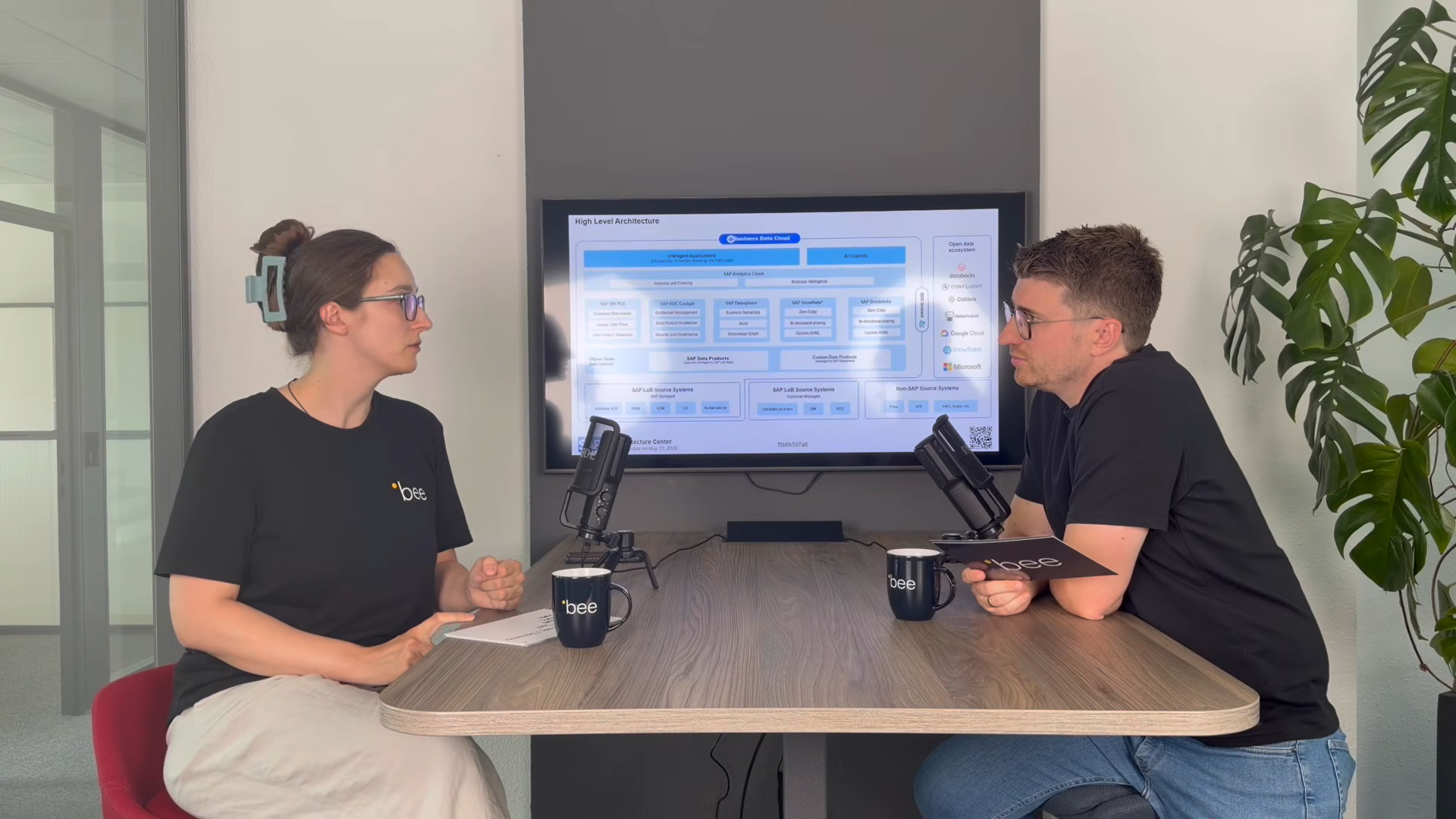
SAP Business Data Cloud
SAP Business Data Cloud: Plattform statt weiteres Tool
08.10.2026
|
SAP Cloud ERP

SAP Release-Upgrade bei Dallmayr
25.09.2026
|
Kundenreferenzen

Innovabee ist offizieller SAP-Concur-Implementierungspartner
16.09.2026
|
Innovabee